Fleet
Telematics and ERP Data Unification: Why Your Hours Don't Match
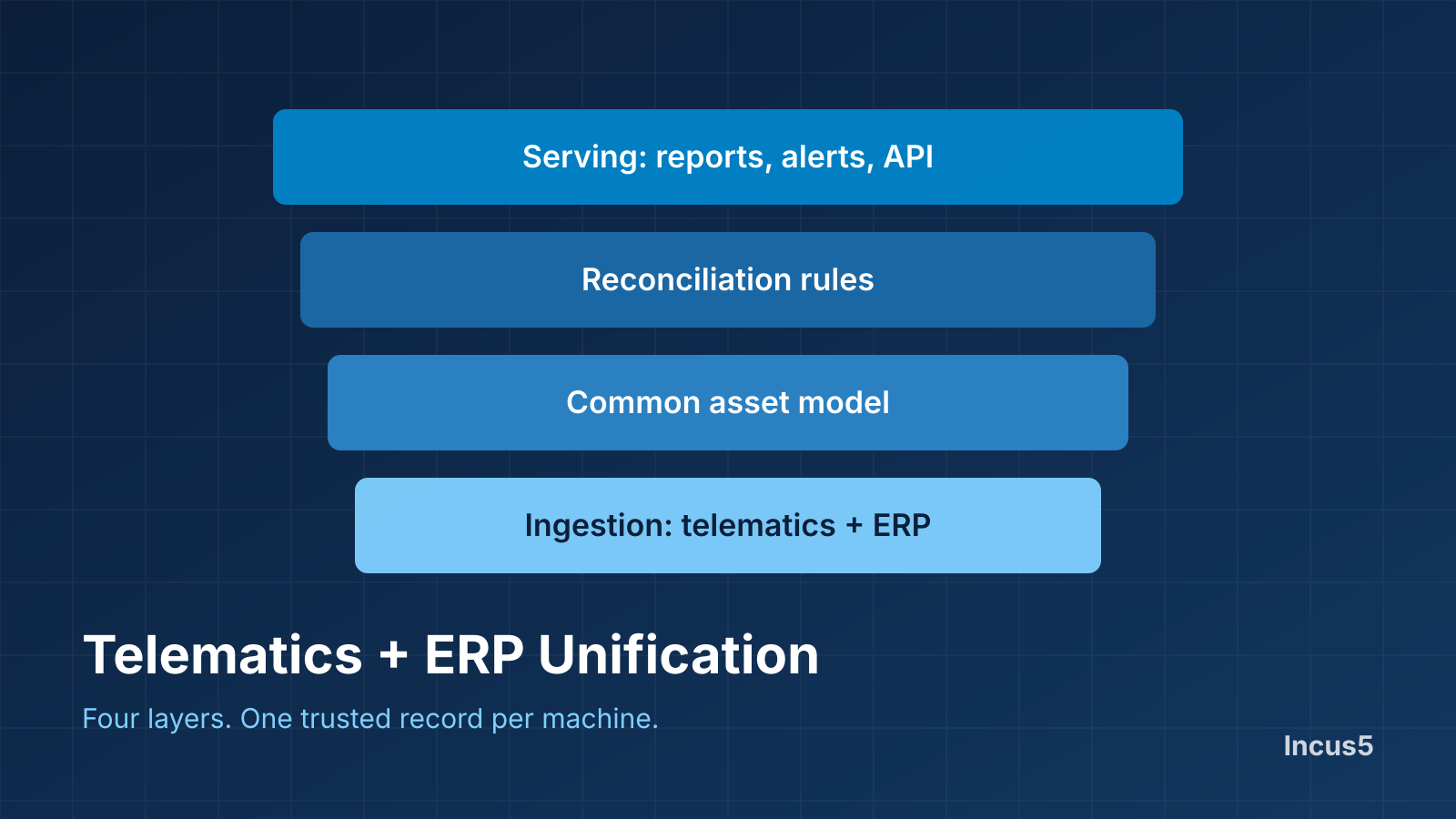
Telematics tells you what a machine is doing. Your ERP tells you what the machine is worth, where it is booked and what it has earned. Neither is complete alone. Unifying them means building one view where both agree on which machine is which.
The four layers
1. Ingestion. A connector for each telematics vendor, OEM feed and ERP or dealer system. Each pulls on its own schedule and fails in its own way, so each needs monitoring.
2. Common asset model. One record per physical machine, with every external identifier attached: serial number, equipment ID, ERP asset number, device ID. Everything else hangs off this record.
3. Reconciliation rules. What happens when telematics says 1,204 hours and the ERP says 1,190? Rules decide which source wins for each field, and the system keeps a record of where each value came from.
4. Serving layer. Reports, dashboards, alerts and an API that read from the unified record, not from the raw feeds.
Where projects fail
- Matching. The same machine appears under different IDs. Without multi-identifier matching and a review queue, you get duplicates and orphans.
- No source-of-truth rules. Two systems disagree and nobody knows which to trust, so reports are ignored.
- Device swaps. A telematics unit moves to another machine and history attaches to the wrong asset.
- Stale feeds. A stopped feed looks like a machine that stopped working.
- Untracked equipment left out. Machines without devices vanish from utilization and cost reports.
Why neutrality matters
The unification layer should not belong to one telematics or ERP vendor. A vendor-owned layer tends to treat its own data as the source of truth and the rest as secondary. A neutral layer treats every source equally.
Where Incus5 fits
Incus5 connects 51+ telematics, OEM and ERP systems into one view and exposes the unified data through a REST API. See the integrations directory.
Key takeaways
- Unifying telematics and ERP data takes four layers: ingestion, a common asset model, reconciliation rules and a serving layer.
- Multi-identifier machine matching is the most common point of failure.
- Conflict rules and source tracking keep reports trusted.
- A neutral unification layer treats every source equally.
Frequently asked questions
Why not just import telematics data into my ERP?
You can for one vendor, but each additional vendor needs its own mapping and the ERP still has to decide which values to trust. A separate unification layer keeps that logic in one place.
How do I match a telematics device to an ERP asset?
Match on several identifiers such as serial number, equipment ID and asset number, and send anything ambiguous to a person for review.
What if the telematics hours and ERP hours disagree?
Set a rule for which source wins per field, and store the source with each value so differences can be explained.