Fleet
Multi-Vendor Telematics Integration for Rental: Stop Logging Into Five Portals
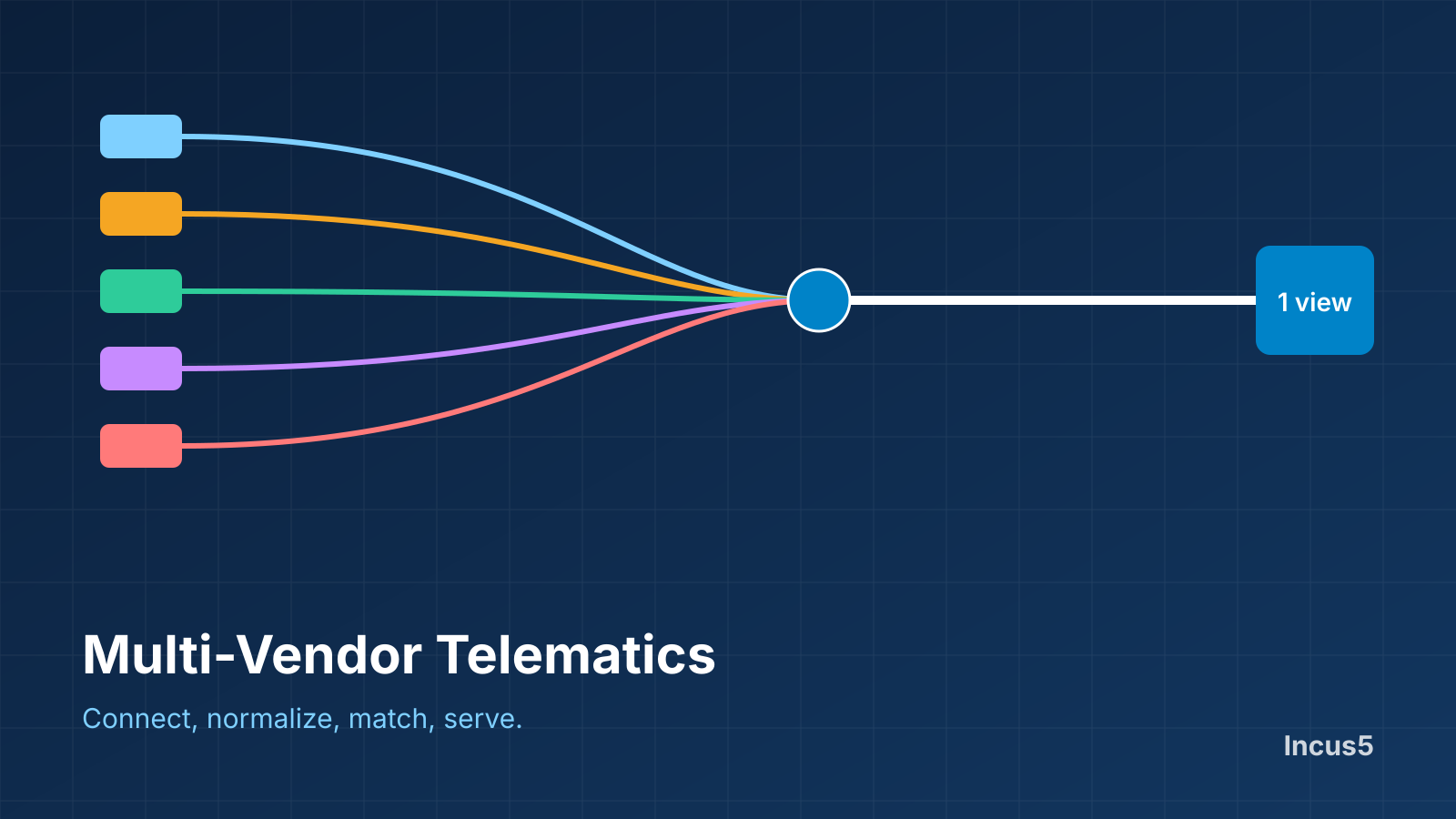
Ask a rental operator with five telematics vendors how they build one fleet report, and the answer is usually a person, a day, and a spreadsheet. Log in to each portal, export, merge, and fix what does not match. Here is how to replace that with one connected view, step by step.
The best way to combine telematics from several OEMs is to stop treating each portal as its own system. Pull each source into one platform, convert the data into a common model, and tie every machine to its record in your rental system.
Why the manual approach fails
Companies with several OEMs and telematics vendors tell us the same story. Someone on staff spends half a day to a full day logging in to each portal, exporting the data, and merging it into a spreadsheet. By the time the file is done, the numbers are already out of date. And when that person is out, or the file gets overwritten, the work is gone and has to be done again.
A fleet data platform removes the export-and-merge step. The data from every source is brought together continuously, so the view is current when you open it.
Step 1: Connect each source
Each OEM and telematics vendor exposes data differently. Some offer an API, some offer a standards-based feed, and some only provide a portal login. A multi-vendor integration needs a connector for each, kept up to date as vendors change their interfaces. This is the part most companies underestimate, because the connectors need ongoing maintenance, not a one-time build.
Step 2: Normalize the data
Two vendors may report the same thing in different units, at different intervals, in different time zones and under different field names. Normalizing means converting all of it into one model, so engine hours from one source and engine hours from another can be compared and added together without guesswork.
Step 3: Match every machine to your ERP
This is where most projects get stuck. The same machine can appear under a serial number in one feed, an equipment ID in another, and an asset number in your rental system. Without reliable matching, you get duplicates, orphan devices and machines that exist in telematics but not in the ERP. Good integration matches on several identifiers and flags the ones it cannot match for a person to resolve.
Step 4: Handle the gaps
Not every machine reports. Older units, attachments and small equipment often have no device on board. Feeds also go stale when a device loses power or a vendor has an outage. A complete fleet view needs a way to carry manual hours for untracked machines and to show clearly when a feed has stopped updating, rather than silently showing old numbers.
Step 5: Serve one view
With the data connected, normalized and matched, utilization, service forecasting, location and cost can all be reported across the whole fleet from one place. The same data can feed your ERP, customer portals and BI tools through an API.
Common pitfalls
- Duplicate assets from weak identity matching.
- Conflicting hours when two sources report the same machine and no rule decides which wins.
- Silent staleness when a feed stops and the screen still shows the last value.
- Vendor lock-in when the integration only works with one vendor's hardware.
- Build-and-forget connectors that break when a vendor changes its API.
Build or buy
Some large companies build this in-house. It works, but the connector upkeep and identity matching become a permanent job. A neutral platform shares that cost across customers and keeps every vendor on equal footing.
Where Incus5 fits
Incus5 connects 51+ telematics, OEM and ERP systems into one view of the fleet, owned, rented, tracked or untracked. See the integrations directory for the current list.
Key takeaways
- Multi-vendor telematics integration has five steps: connect, normalize, match to the ERP, handle gaps, serve one view.
- Matching the same machine across sources is where most projects stall.
- A complete view needs manual hours for untracked machines and clear signals when a feed goes stale.
- Connectors need ongoing maintenance, which is why many companies use a neutral platform instead of building in-house.
Frequently asked questions
What is the best way to combine telematics from several OEMs?
Bring each source into one platform, normalize the data into a common model, and match every machine to its ERP record. Logging into each OEM portal separately does not scale and hides machines that send no data.
Do I need to replace my existing telematics to do this?
No. Multi-vendor integration is designed to work with the devices you already have, and to let you add or change them later.
What happens when two sources report different hours for the same machine?
A good integration uses a rule to decide which source wins and records where each value came from. Without a rule, reports disagree and nobody trusts the numbers.
How do untracked machines fit in?
They are carried in the same system with manual hour entries and the same service rules, so the fleet view is complete instead of limited to machines with devices.